
Health Plans
This guide is for Health Plan users who access the Modernized Well Family System (WFS) to:
- Submit referrals through the Health Plan Sharing Portal
- Review referral-related information
- Access reports and analytics
- Get help through the new WFS Service Portal
What This Guide Covers
- What has changed for Health Plan users
- How to sign in and access the Health Plan Sharing Portal
- How to access reports through Aquaduct
- How to get support using the WFS Service Portal
This guide does not provide programmatic guidance or detailed referral step instructions.
Detailed workflows are provided separately through role-specific links.
1. Accessing the Well Family System
Health Plan users access WFS using Single Sign-On (SSO).
What to Expect
- Log in using your organization email credentials
- No separate usernames or passwords are required
- Once logged in, you will automatically land on Health Plan Sharing Portal directly from the dashboard
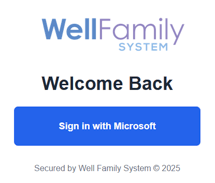
If you experience login or access issues, assistance is available through the WFS Service Portal.
2. Accessing the Health Plan Sharing Portal
After logging in to the WFS, Health Plan users land directly on the Modernized Health Plan Sharing Portal.
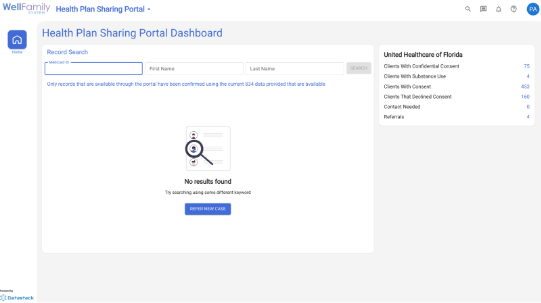
👉 Step-by-step referral instructions are available on the WFS Service Portal by clicking here: Submitting a Referral Through the Health Plan Sharing Portal
3. What Has Changed for Health Plan Users
Health Plan users will notice:
- A modernized design and referral submission experience
- Clearer validation and fewer submission errors
- A new reporting and analytics engine (Aquaduct)
- Centralized access to help and training resources
What has not changed:
- Referral requirements
- Program eligibility rules
- Local Health Plan processes
4. Reports & Analytics –Aquaduct
What Is Aquaduct
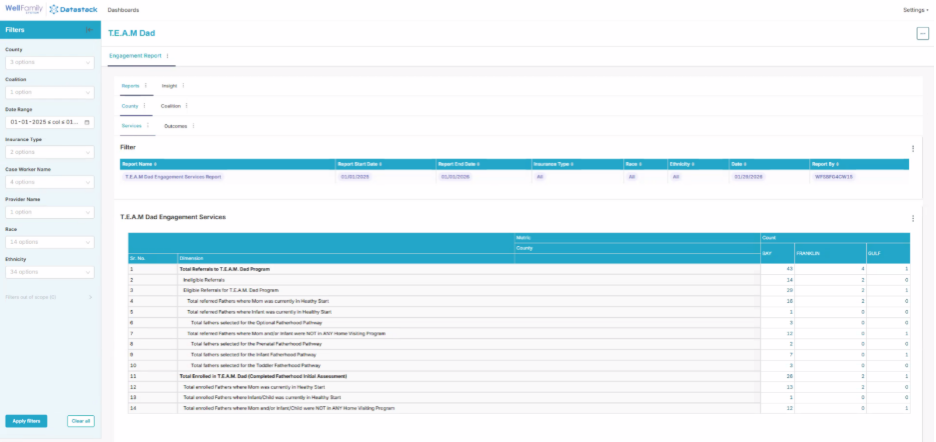
Aquaduct is the new reporting and analytics engine for the Well Family System.
What Health Plan Users Should Know
- Aquaduct replaces legacy reporting views
- Report access is role-based
- Data reflects improved validation and consistency
5. Getting Help – WFS Service Portal
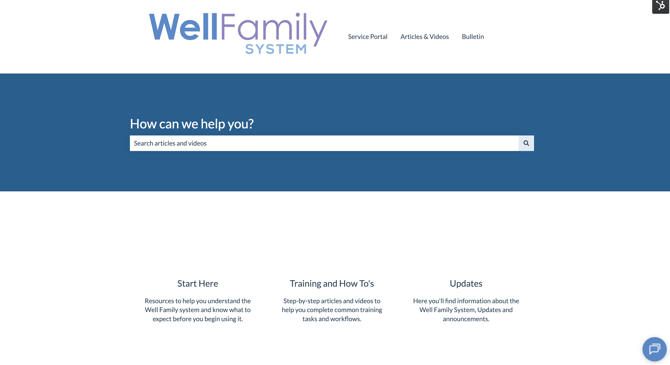
All support and training resources are centralized in the WFS Service Portal.
How to Access the Service Portal
- Available directly from the WFS menu
- Uses SSO (no additional login required)
What You Can Do in the Service Portal
- Search knowledge base articles and FAQs
- Watch instructional videos
-
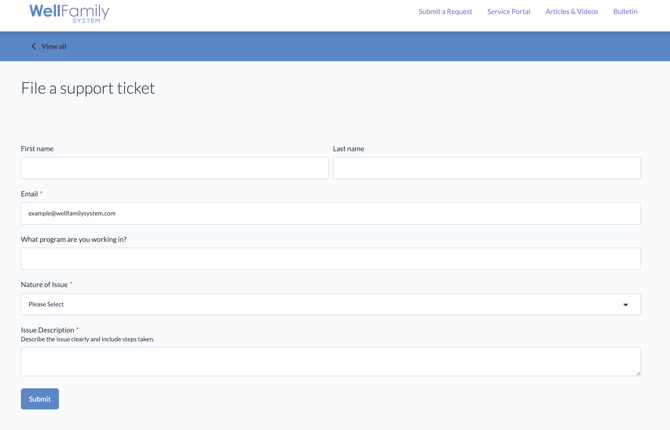
Submit and track service tickets
-
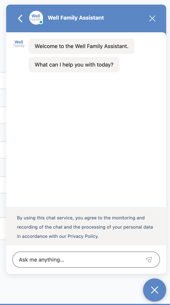
Chat with a virtual assistant
6. Where to Go Next
This guide provides an overview specific to the Health Plan role.
For additional support:
- 💬 Use the WFS Service Portal for help or questions